
Download RaiDrive (Free version will work) https://www.raidrive.com/
Download PotPlayer https://daumpotplayer.com/download/
In this scenario, we will be using RaiDrive to mount Google Drive and PotPlayer to play our content.
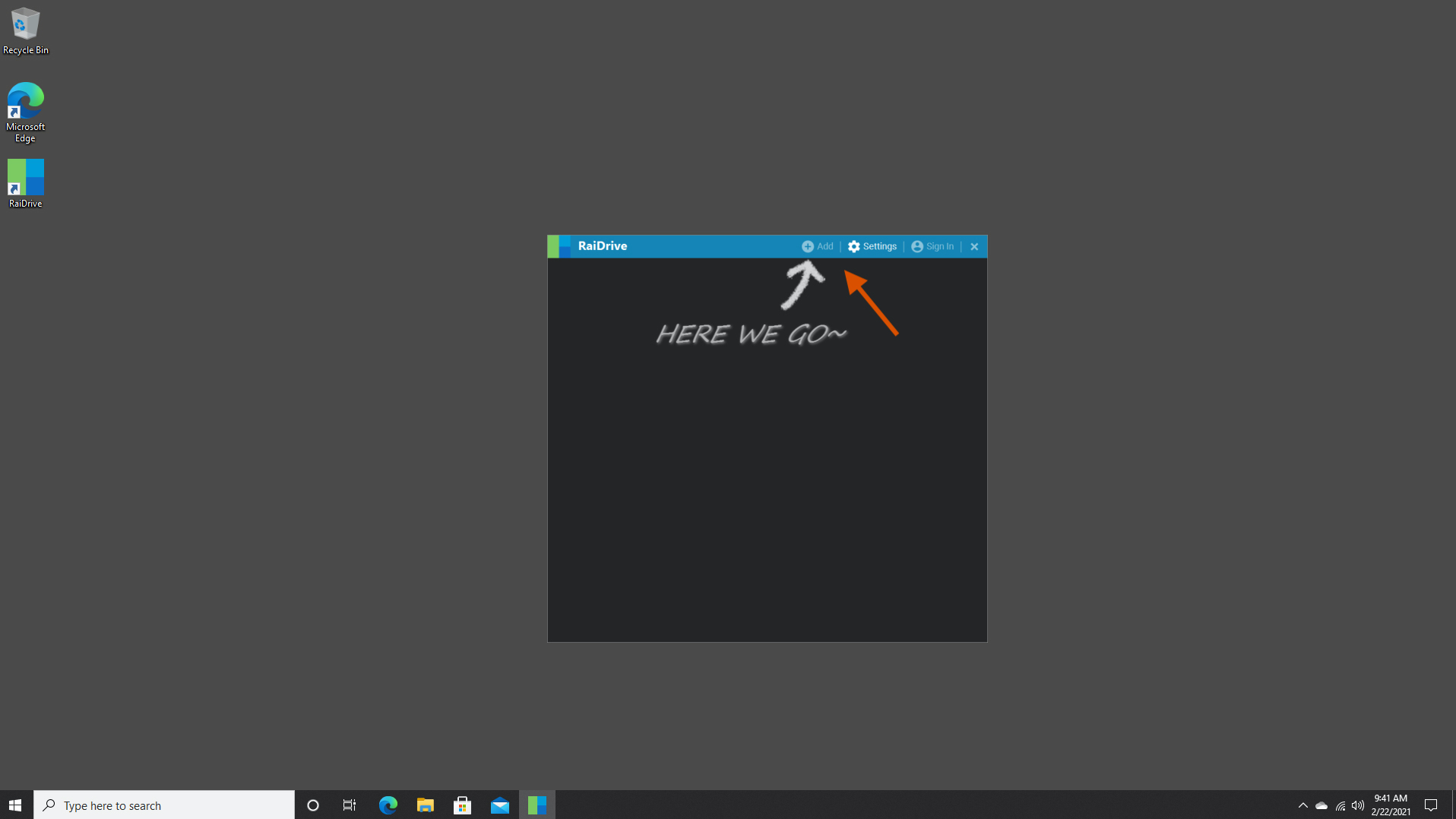
1. Click +Add
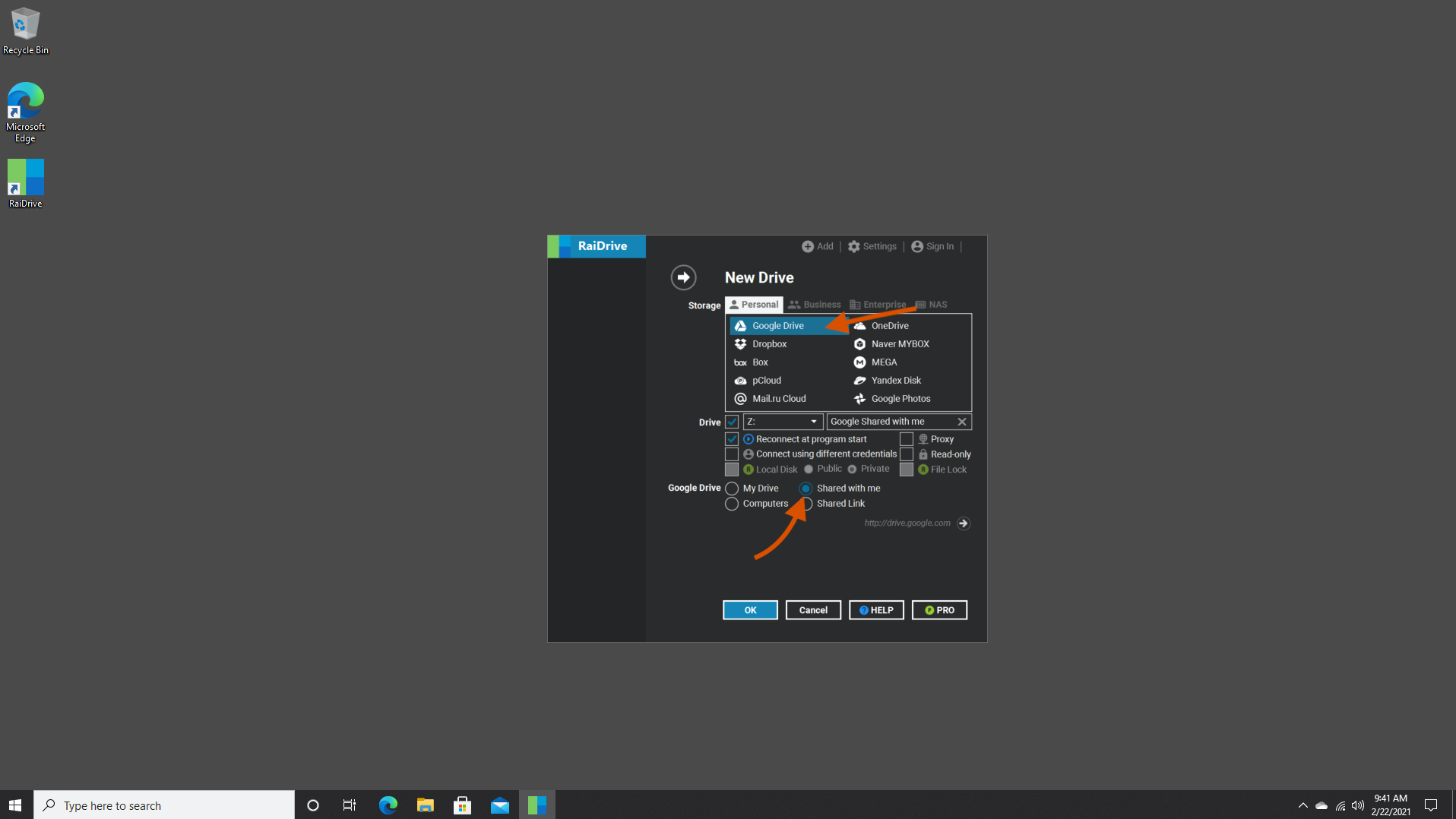
2. Click “Google Drive” and “Shared with me” option
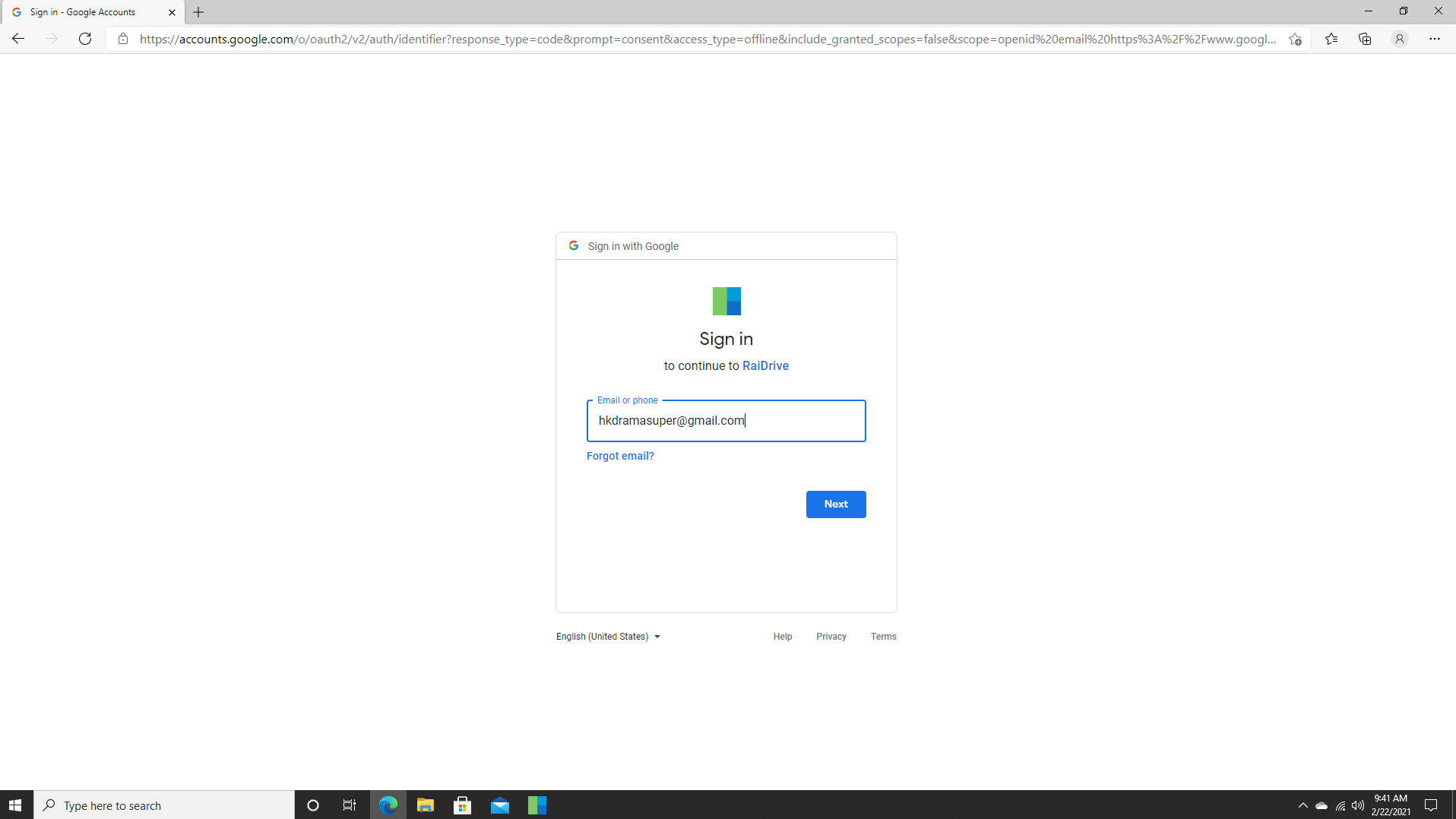
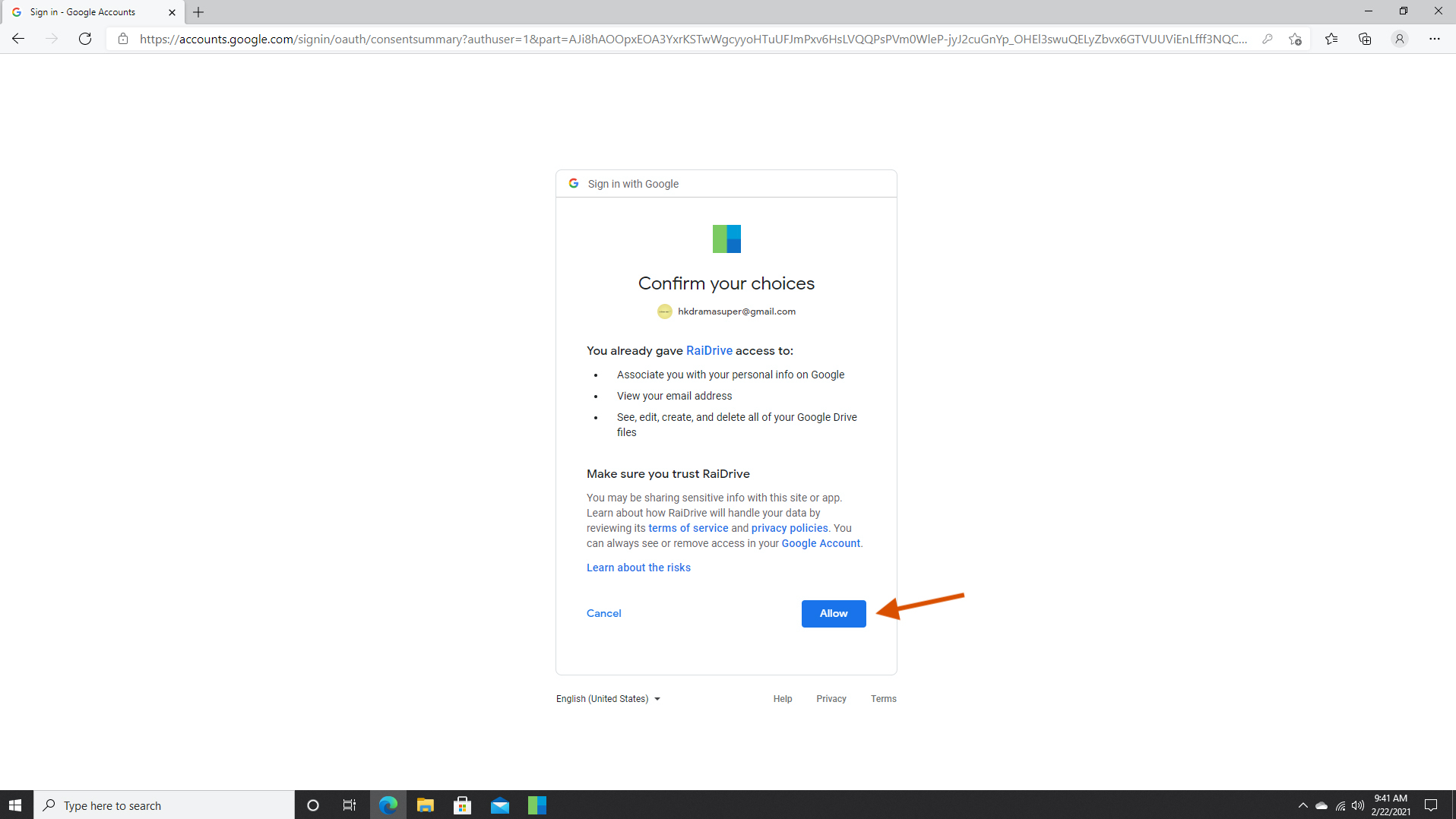
3. Sign in to your registered Google Account and click Allow
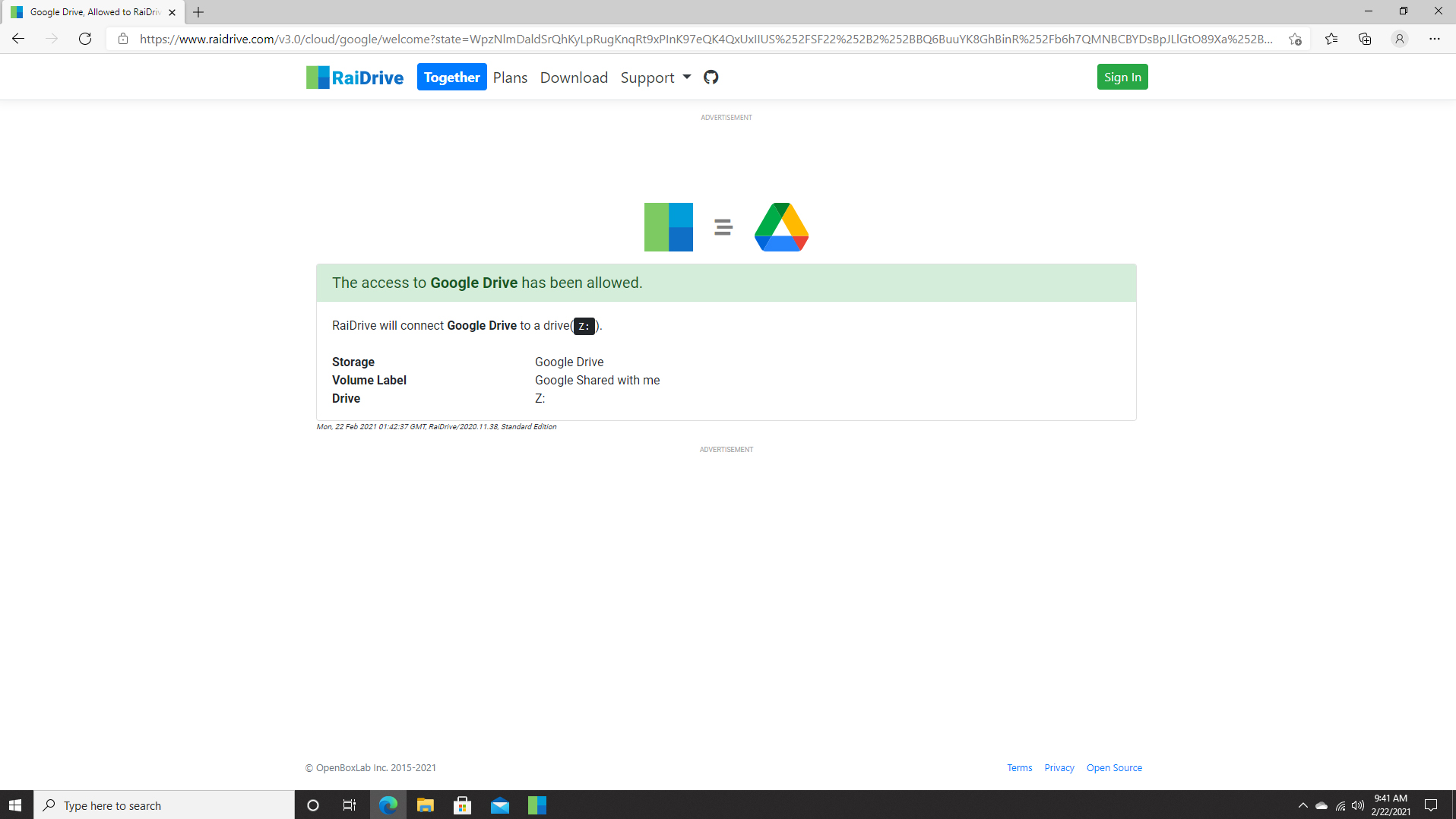
4. A confirmation will pop up on your internet browser, close it after you receive it
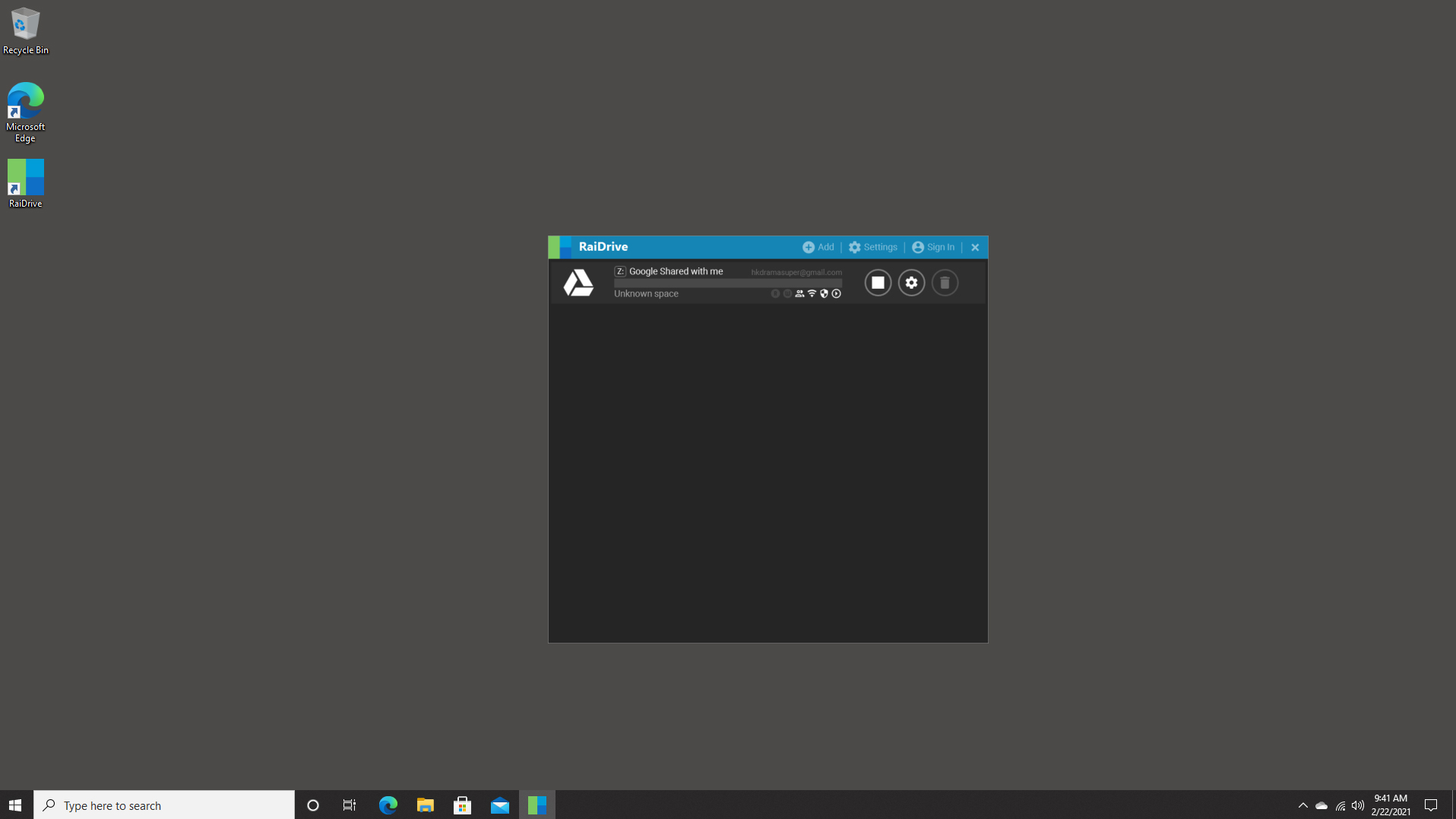
5. You will now see Google Drive mounted on RaiDrive
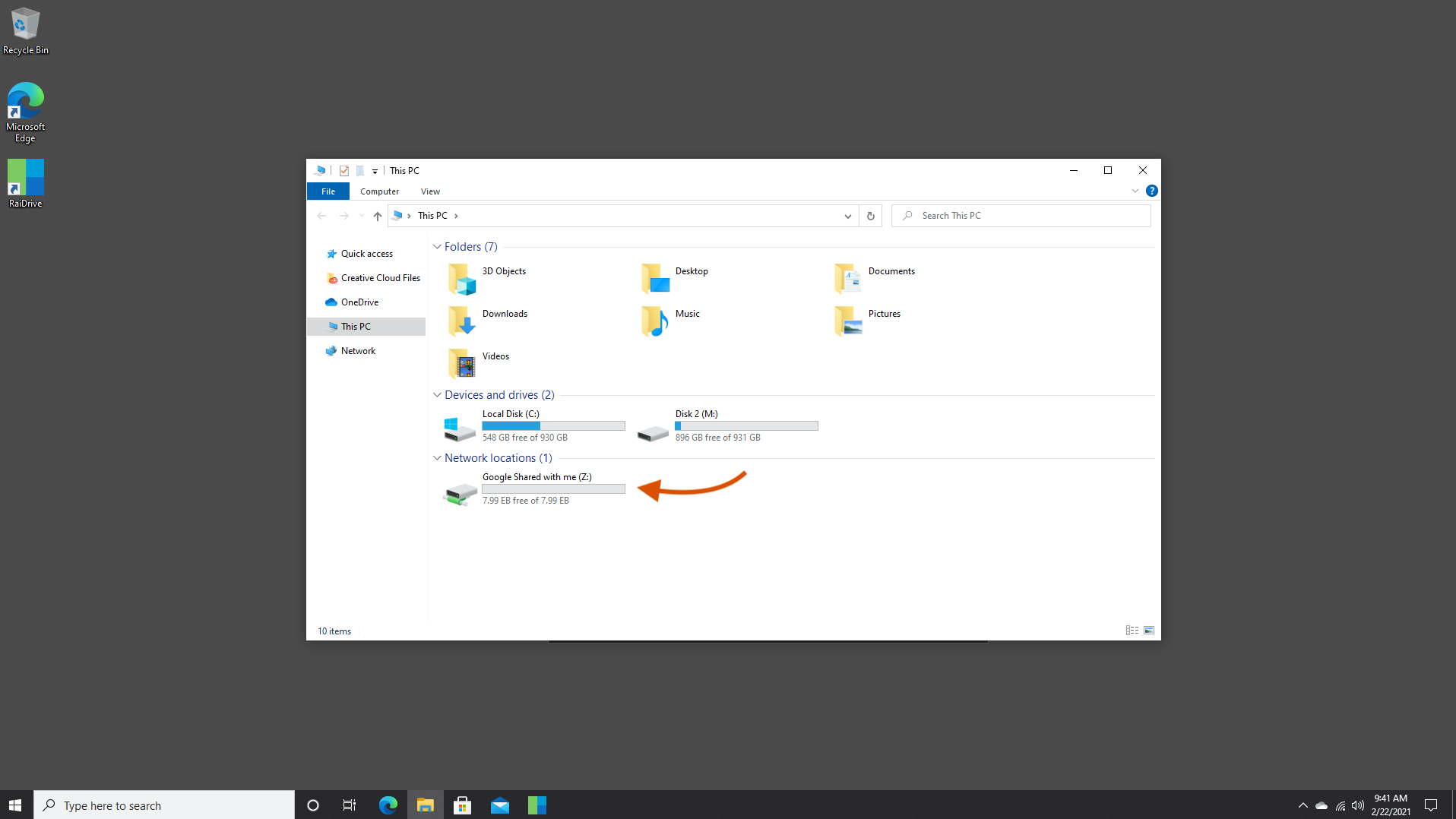
6. Using File Explore, under Network Location, you will see Google Drive mounted
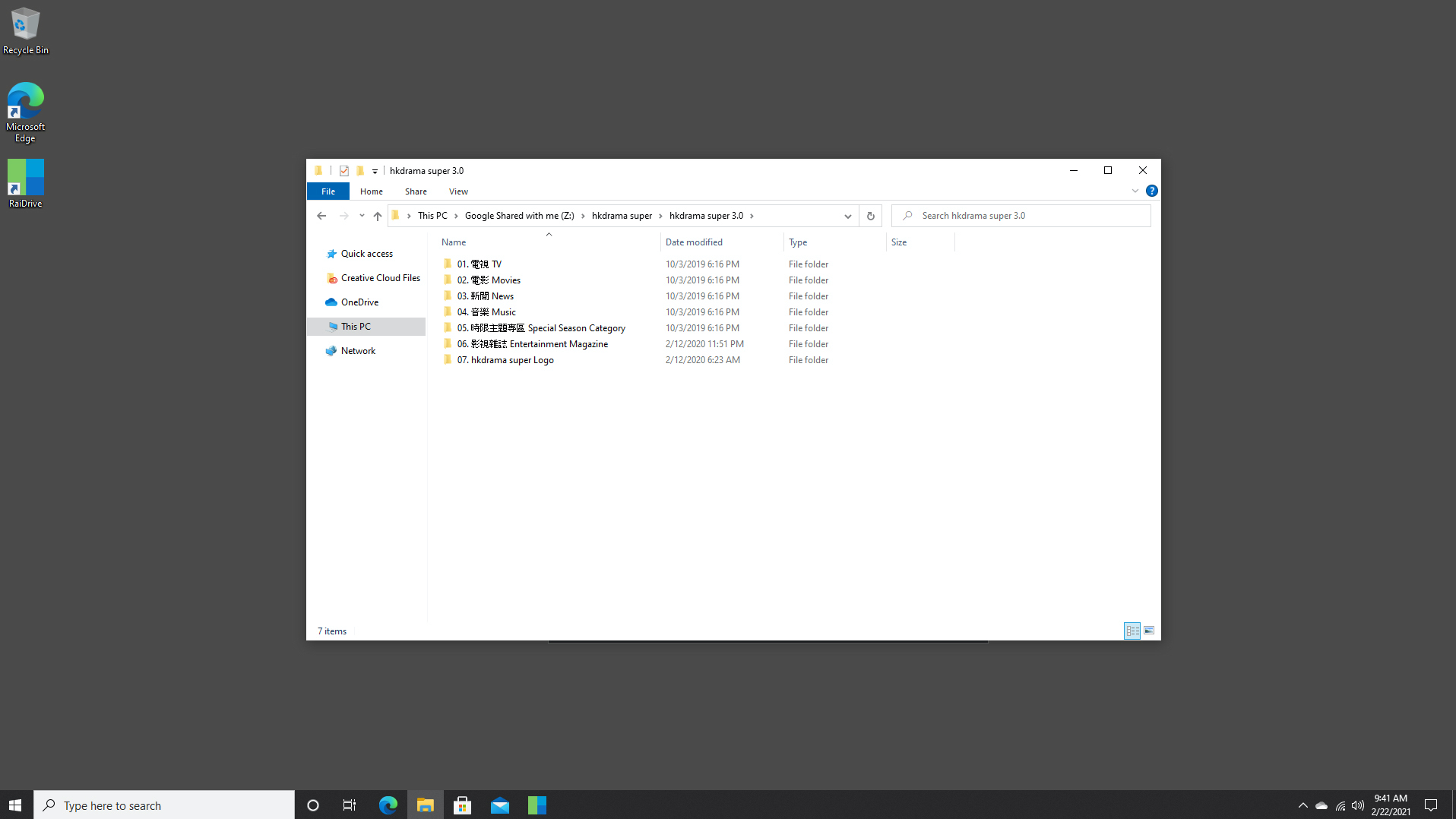
7. Click to open our content
8. Once you have found your desired movie / TV series, make sure you open the video file with PotPlayer.

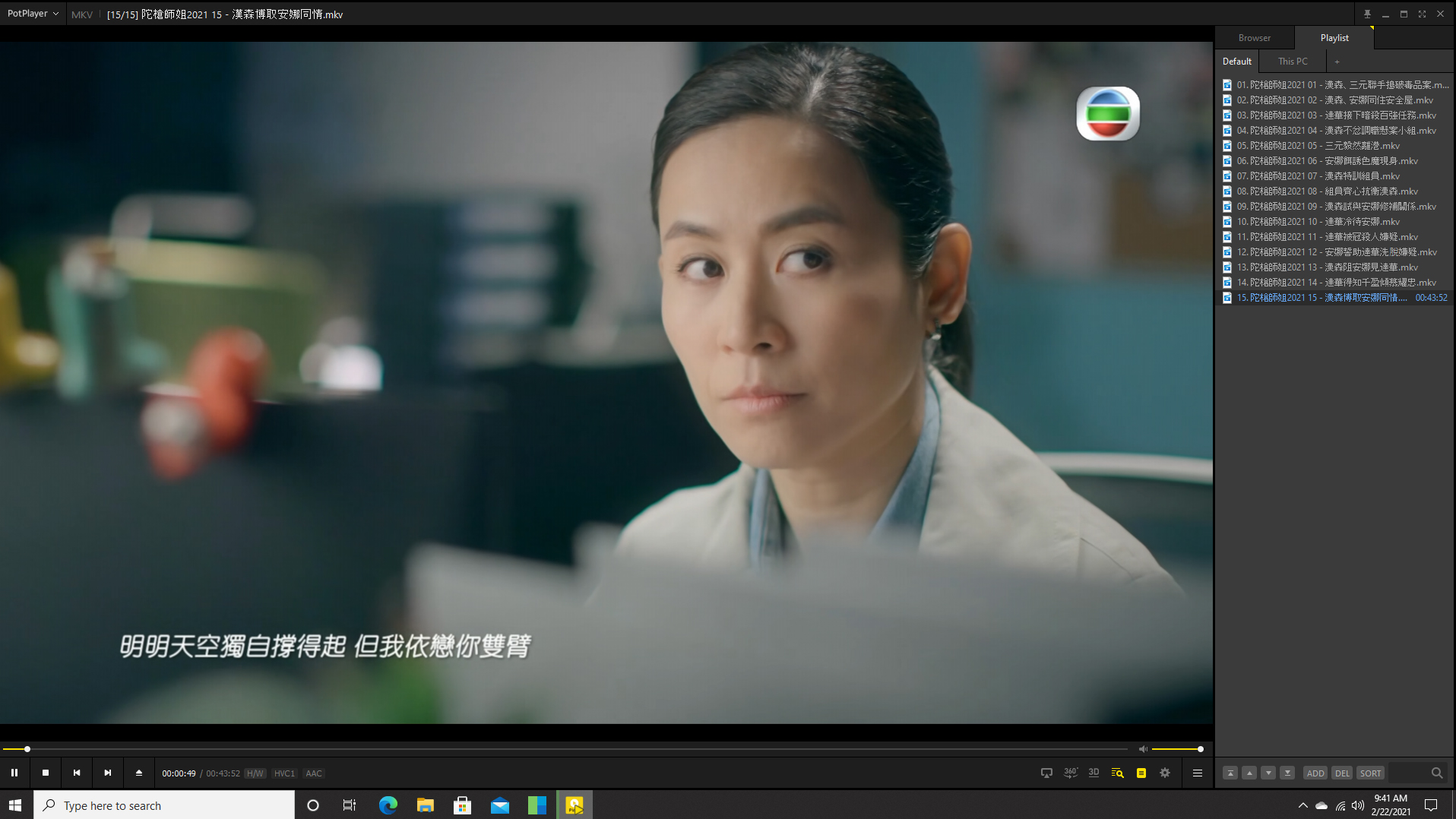
 hds install